


|

Polyline Multiselect Tool

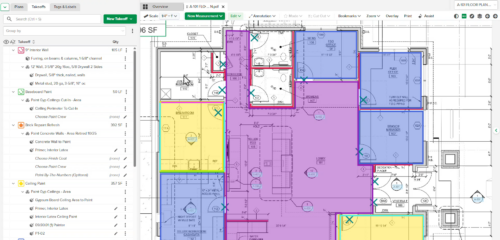
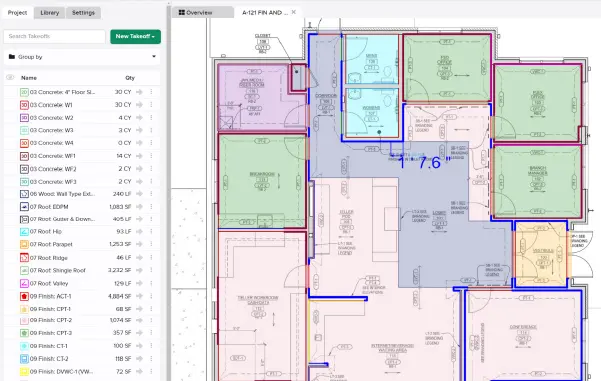
Polyline Multiselect adds a new selection mode alongside the existing rectangle multiselect. Instead of dragging a box, users click to place vertices and draw a closed polygon around the measurements they want — giving them precise control over exactly what gets selected, even in dense or irregularly arranged takeoffs.

For more information visit our Help Center

Stay up-to-date on all the latest STACK features!

Sign up for our Newsletter and get all the info right to your inbox.

Share

More Recent Updates

STACK_Release_TmbN_PolyMulti

Polyline Multiselect Tool

Polyline Multiselect adds a new selection mode alongside the existing rectangle multiselect. Instead of dragging a box, users click to place vertices and draw a ...
STACK_Release_TmbN_ProjectFields

Custom Project Metadata

Custom Project Metadata lets you define up to 10 company-specific fields — dropdowns and dates — that appear on every project. Fields are visible and ...
STACK_Release_TmbN_DisplayNegative

Visual Display of Negative Measurements

Measurements marked as "Count as Negative" now display a red circle with a minus (−) symbol on the plan canvas. The indicator appears for Area, ...
Shopping Basket

Which solution are you looking for?

Takeoff & Estimate
Calculate everything you need anytime, anywhere.
Build & Operate
Seamlessly link your data from the office to the field.

Need a more custom solution?  Talk to us

STACK Training Videos

Select which training library you would like to access: