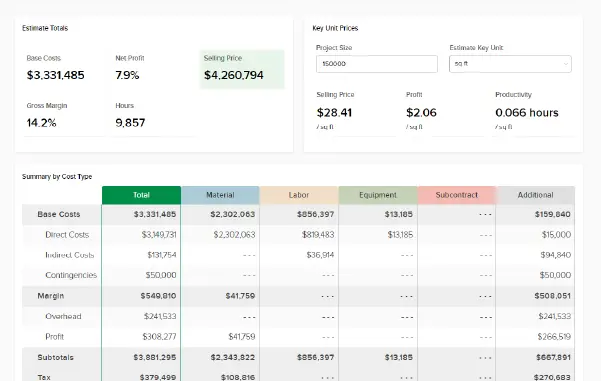








New user preference: turn on “Highlight estimate values I changed” in Preferences and cells you’ve overridden in the estimate worksheet get a background color, not just bold – so changes jump out at a glance.
For more information visit our Help Center.