




|

AI Takeoff

Accelerate Your Takeoffs with Instant Measurements

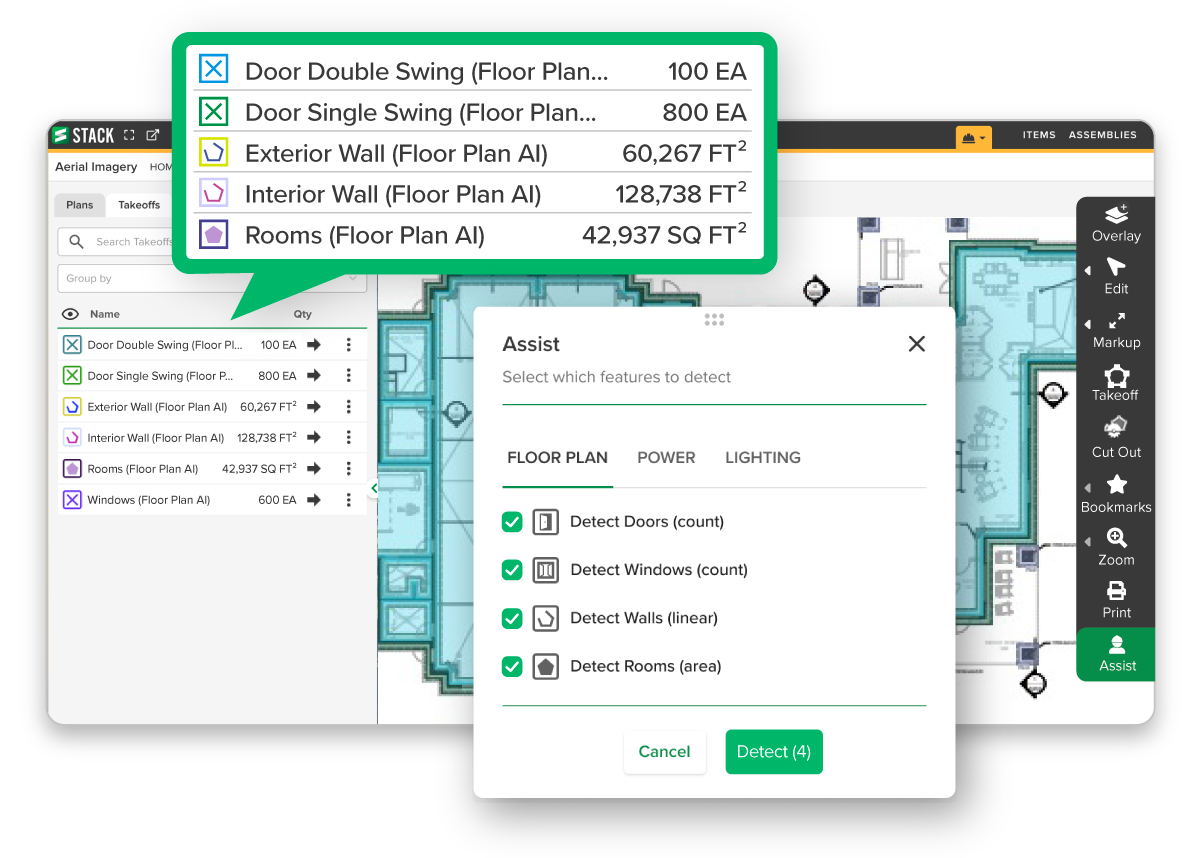
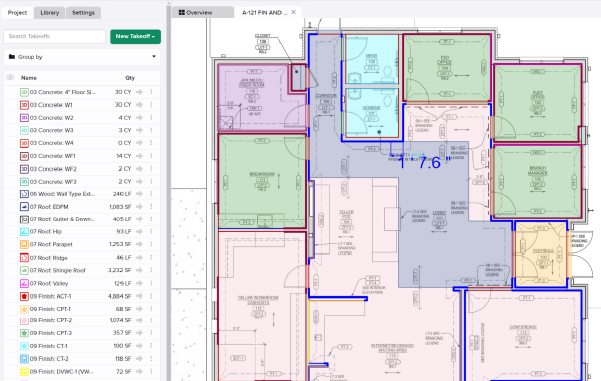
AI Takeoff reads your plan sheets and detects walls, rooms, doors & windows in seconds – so your team spends less time tracing and more time on bid strategy.

Easily Automate Your Measurements.

AI Takeoff combines our award-winning digital takeoff with advanced artificial intelligence to save estimators countless hours and allow them to spend their time where their expertise is needed: on estimate details to ensure accurate, winning bids. 

STACK_Assist_Screen_3

Counts

Automate counts for doors, windows, and symbols.

TIFF PDF

Linear

Automate takeoffs for interiors and exterior walls.

Area

Automate takeoffs for gross areas and room areas.

TIFF PDF

Edit & Change

Edit, change, or add to the AI takeoff as needed.

How it works:

Set the Scale

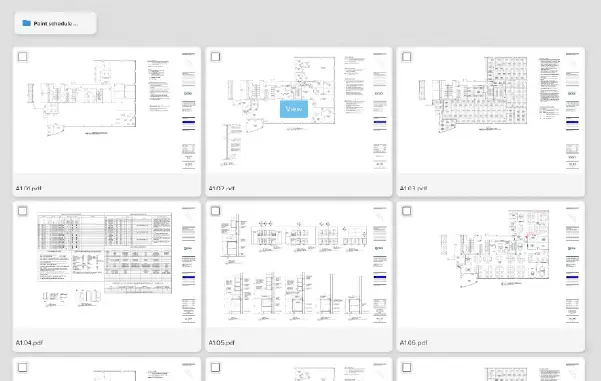
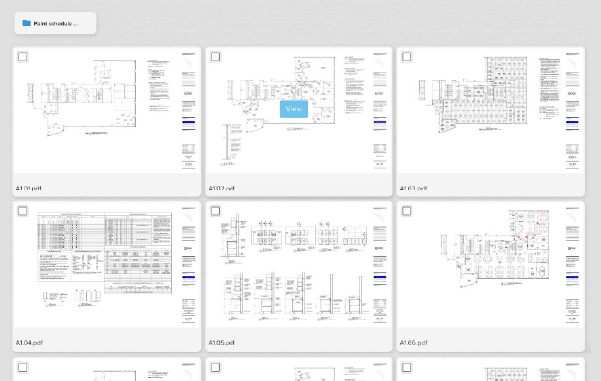
Open your plan sheet and confirm the scale. Architectural floor plans give AI Takeoff the most to work with.

TIFF PDF

Select Draw or Assist Mode

Let AI trace rooms for you to review one by one, or point it at specific areas and let it scan the entire sheet.

Review, Edit & Estimate

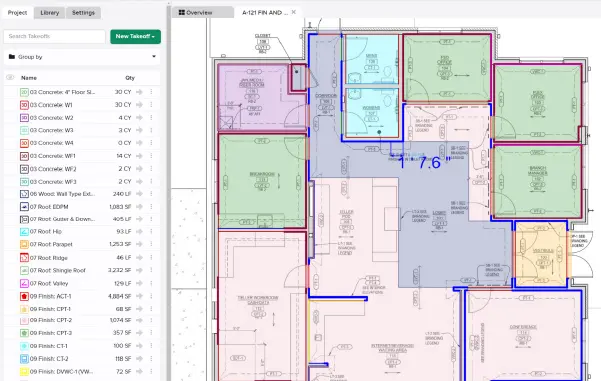
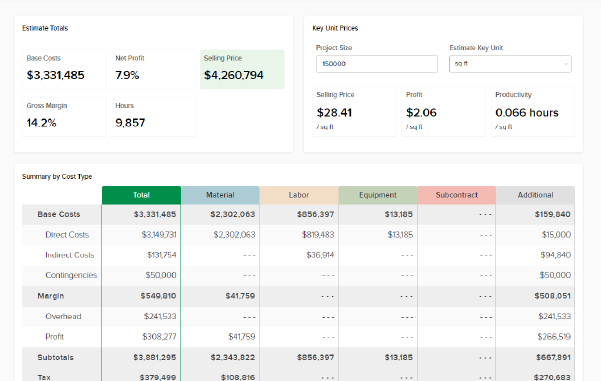
Every detected measurement lands in your standard takeoff tools, ready to adjust before it reaches the bid.

Two Modes. One Faster Start.

Use the mode that fits how you like to work – or switch between them on the same sheet.

/

Draw Mode

AI detects room boundaries and shows you the measurements before anything gets added to your takeoff. Review each one, pick what is accurate, and move on.

/

Assist Mode

Tell AI Takeoff what to look for – doors, rooms, windows or walls – and it searches the entire sheet, generates the takeoffs and shows its work right on the plan.


Rated 5 out of 5

See what STACK customers are saying:

Feature Showcase

Reallocate Your Resources

Leverage AI to empower your team! Estimators can spend less time on tedious tasks and more on strategic thinking, saving time, enhancing accuracy & productivity, and reducing costs. Watch how it works!


STACK IQ FAQ

AI Takeoff scans an uploaded plan sheet and automatically generates a first-pass takeoff – counts for doors and windows, square footage for rooms, and linear takeoffs for interior and exterior walls – so your team starts from real measurements instead of a blank sheet.

Most sheets process in just a few minutes. AI Takeoff works on one plan sheet at a time, and requests running past five minutes are canceled.

Flag it right from the Selected panel as Missed Something, Found Something Not There, Wrong Shape or Misidentified. That feedback helps AI Takeoff improve on future plans, though it will not change the takeoff already generated.

Yes. Adjust, add or delete any measurement, move it with Change Takeoff, apply Explode or Cutout, or attach Items and Assemblies – the same tools you already use.

AI Takeoff is included in both STACK’s Premium and Pro subscriptions. Not ready to commit? Create a Free Account and try it for 7 days, no cost or credit card required.

Want to learn more about Floor Plan AI?

Shopping Basket

Which solution are you looking for?

Takeoff & Estimate
Calculate everything you need anytime, anywhere.
Build & Operate
Seamlessly link your data from the office to the field.

Need a more custom solution?  Talk to us

Want to get more info on STACK Assist?

Complete the form below and we will be in touch soon. 

STACK Training Videos

Select which training library you would like to access: