






|

STACK vs. Excel

Goodbye Excel Formulas. Hello AI-Powered Takeoffs.

It’s time to move beyond generic spreadsheets. Instead, use STACK’s AI-powered, construction-focused takeoff and estimating tools built for speed, accuracy, and collaboration.

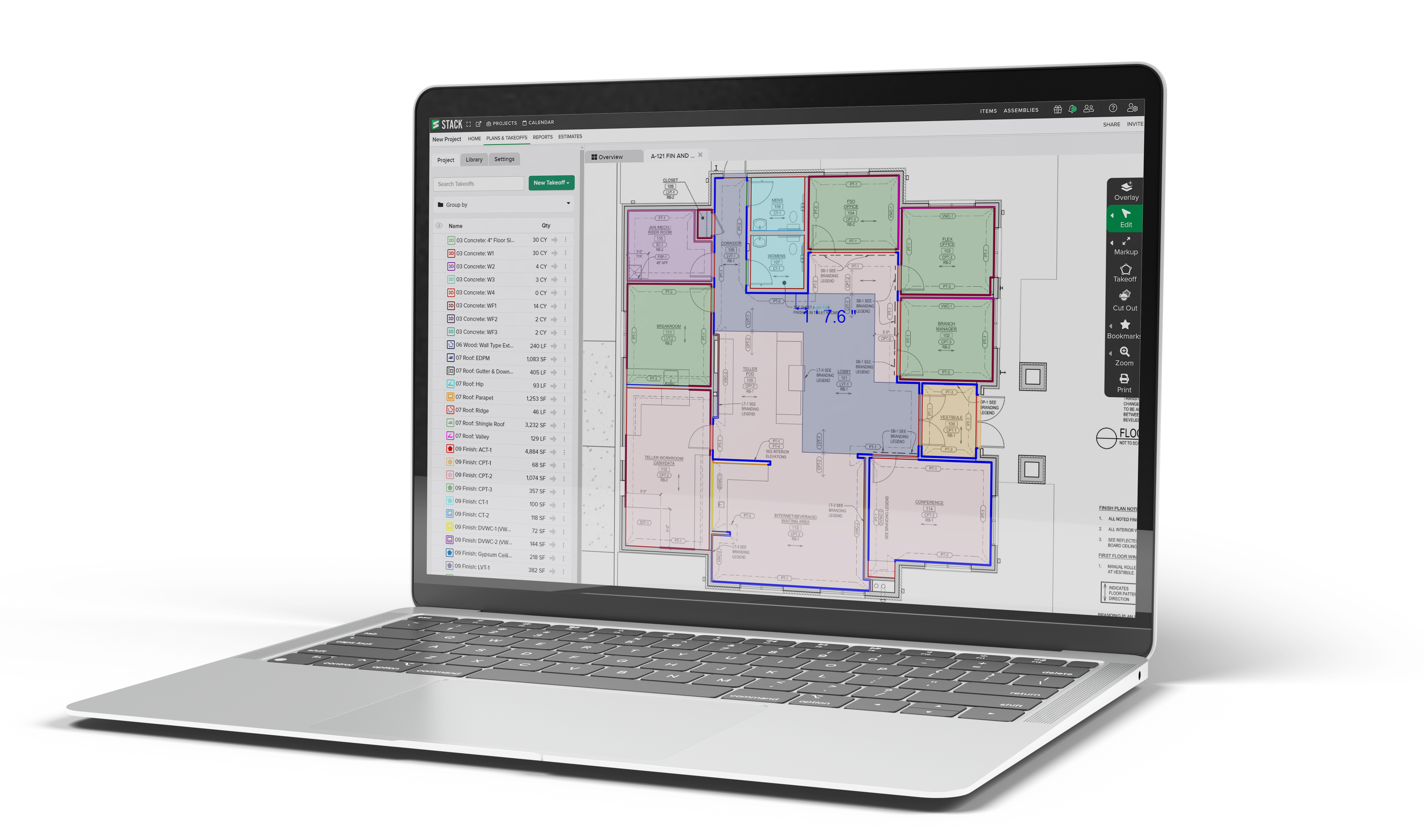
STACK_laptop_shadow

Level Up from Excel to STACK.

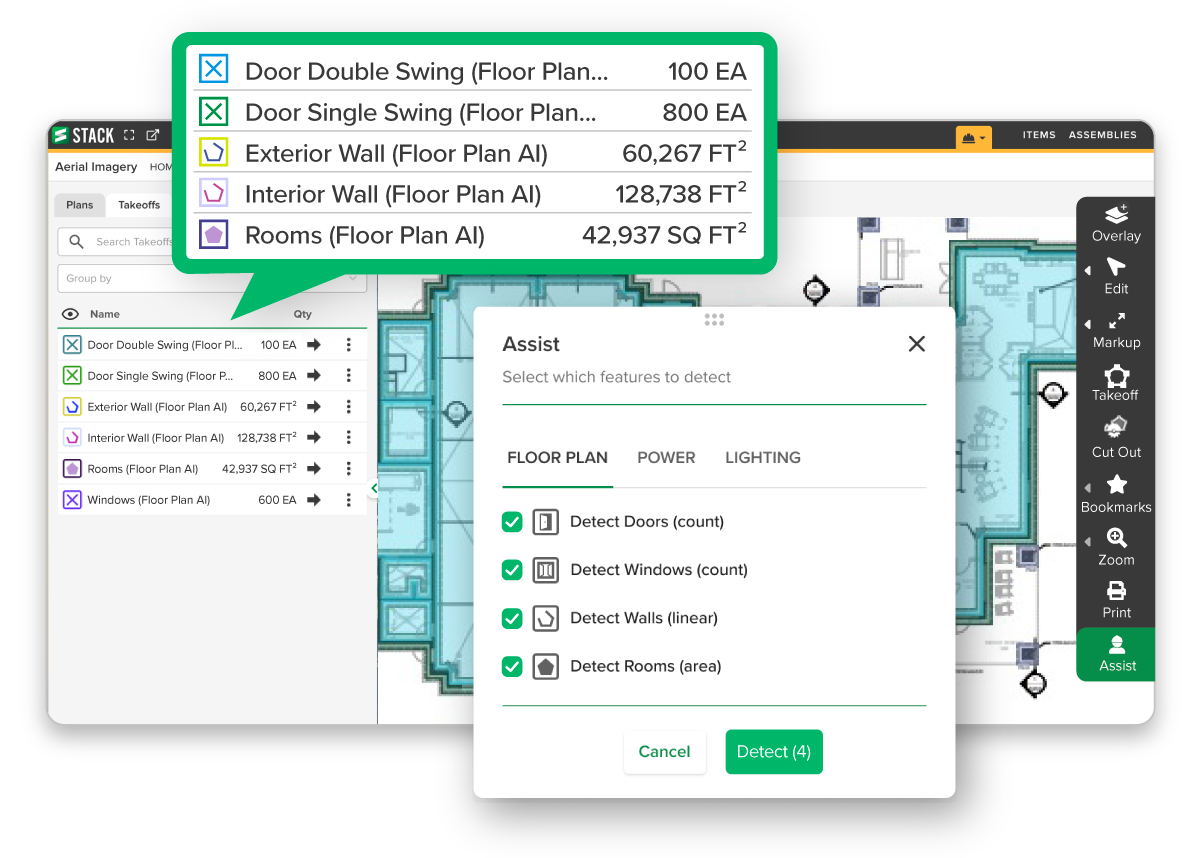
STACK_Assist_Screen_3

Error Reduction Backed by AI-Safeguarded Accuracy

Excel

Excel’s is prone to formula errors due to manual entry.

STACK

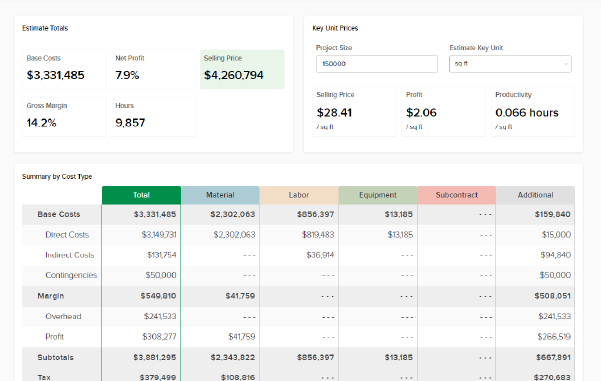
Standardized formulas, AI-assist features, and cloud validation reduce mistakes 

Why does it matter?

When you work more accurately in STACK, you prevent costly miscalculations and wasted time.

Fast Takeoffs

Construction-Specific Tools

Excel

Excel just offers rows & formulas—no built-in takeoff, plan overlay, or document control.

STACK

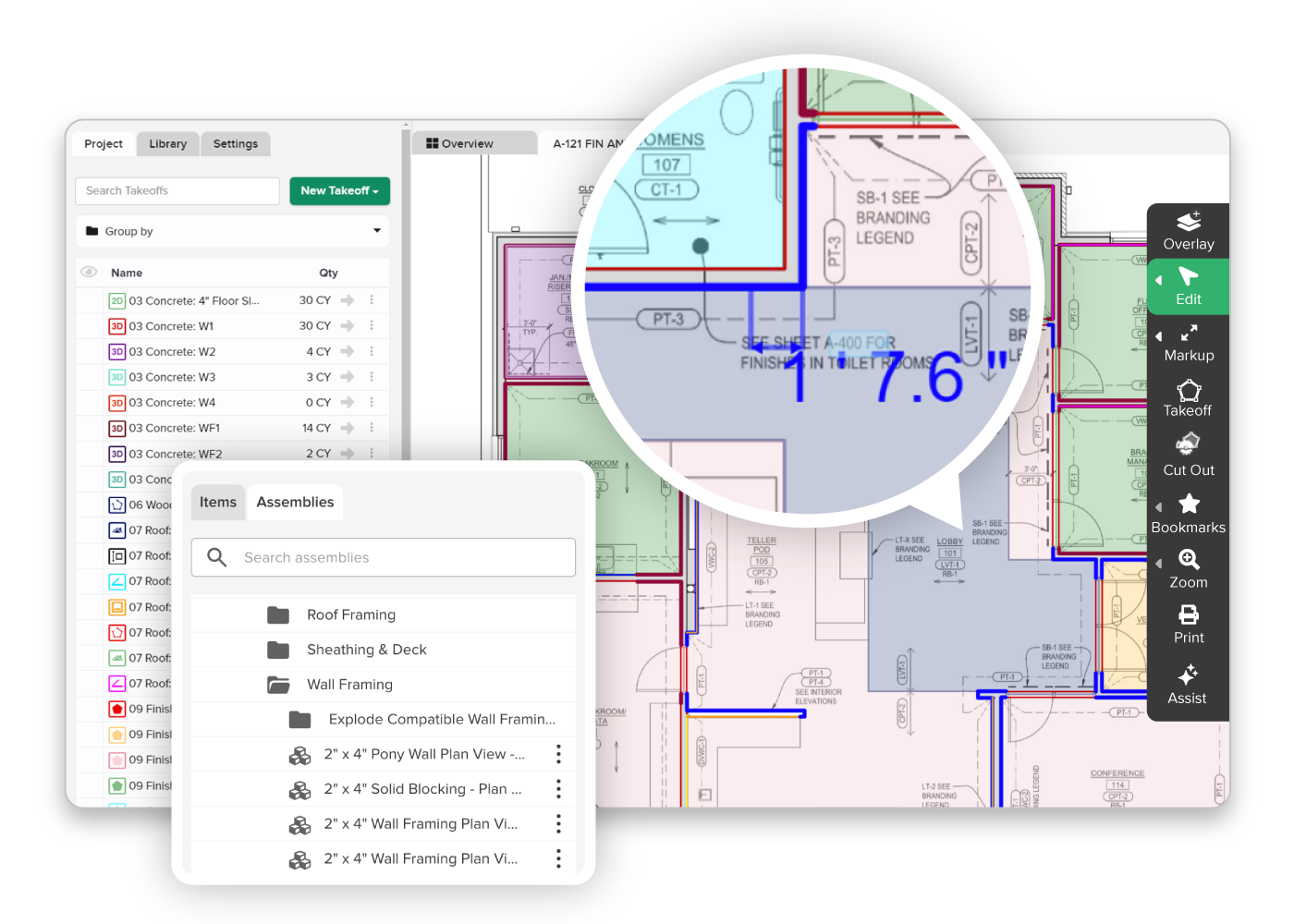
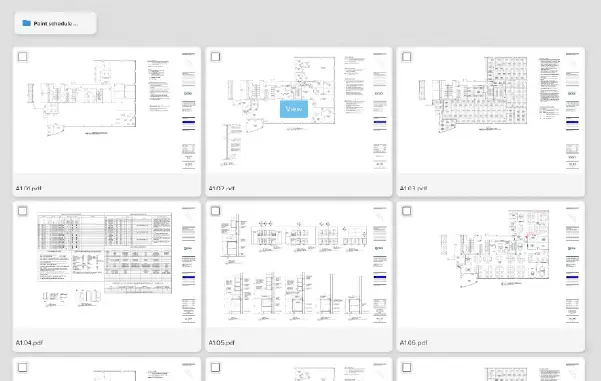
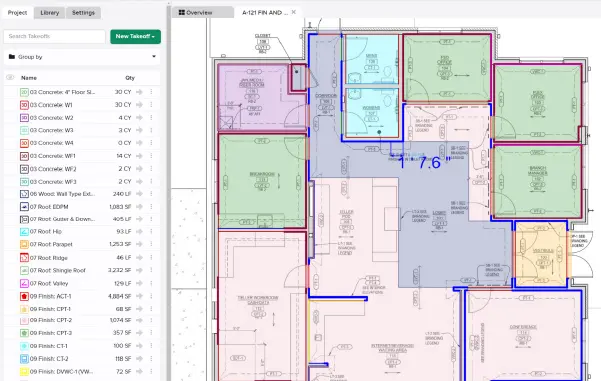
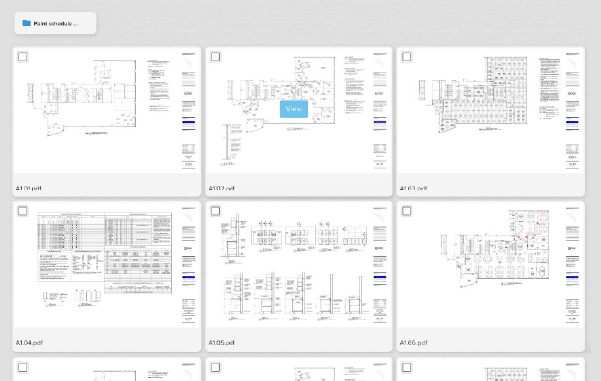
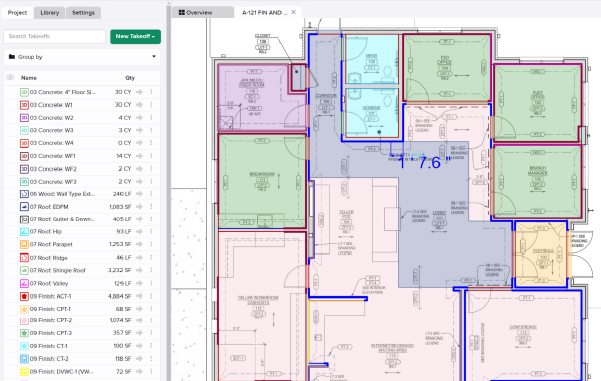
STACK is built for digital blueprint takeoff, assemblies, plan overlays, and document management.

Why does it matter?

STACK speeds workflows by eliminating manual workarounds.

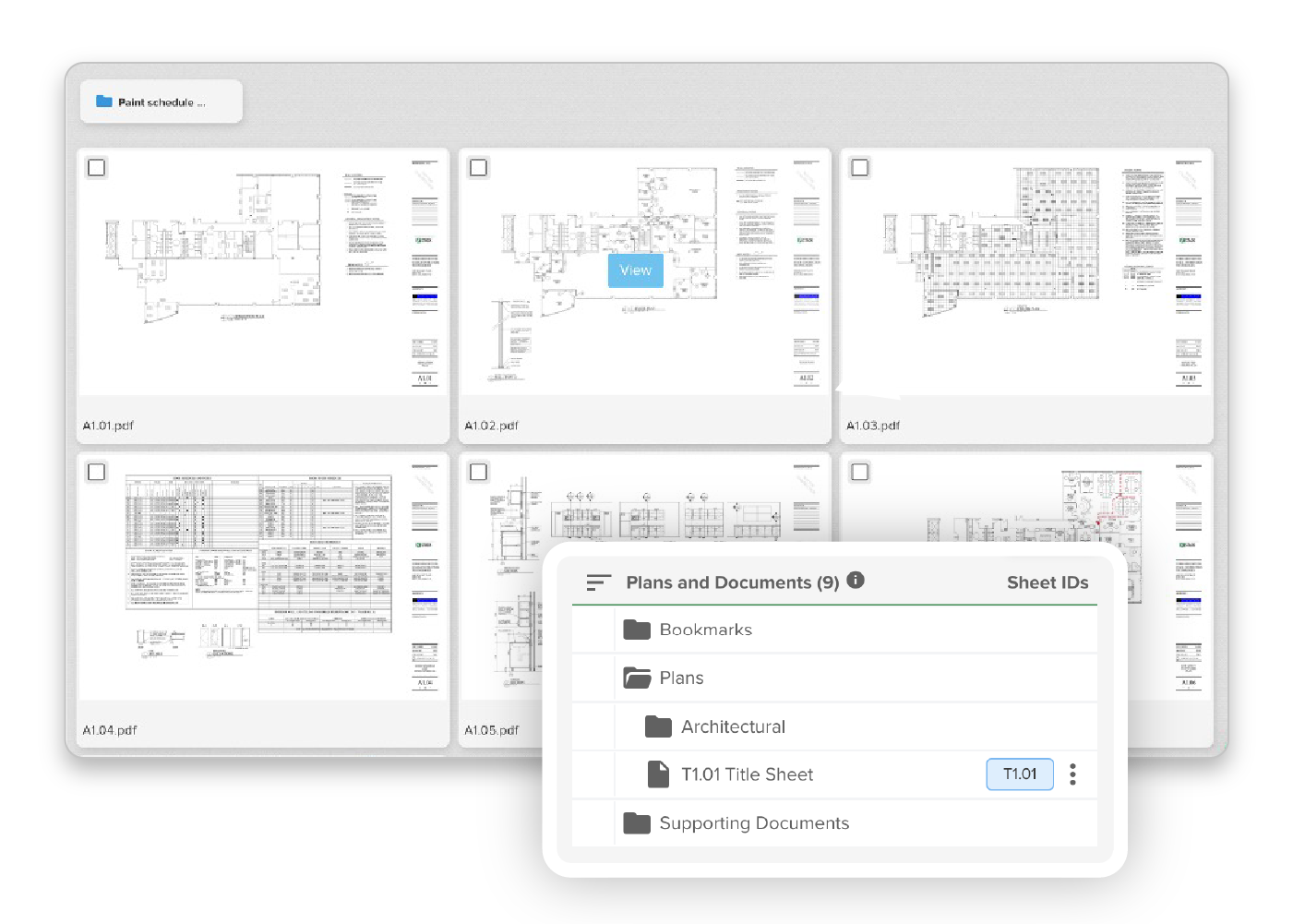
Screens_Versions

Controlled Flexibility

Excel

Excel’s open-ended format makes it easy to edit, adjust, or delete cells—but that same freedom invites errors and inconsistencies.

STACK

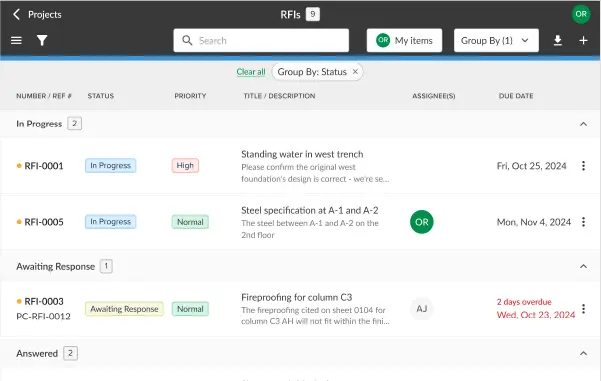
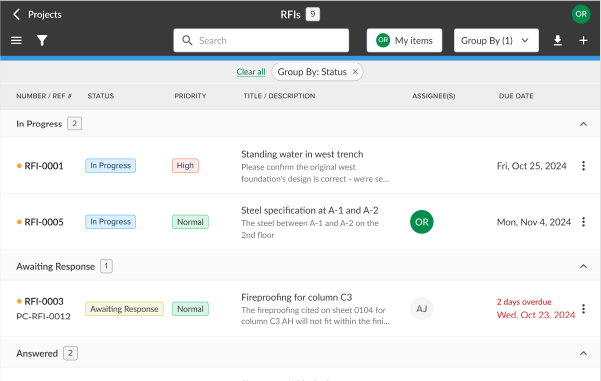
With version control, user permissions, and collaborative workflows, you can customize estimates while preventing unauthorized changes.

Why does it matter?

When your margin for error is slim, your estimating tool should help safeguard your process—not leave it wide open to mistakes.

Excel
vs.
STACK
Excel
vs.
STACK Logo
Digital Blueprint Takeoffs
Plan Overlay and Version Compare
Assemblies & Custom Formulas
Mobile Field Collaboration
Plug-in/API for Any Workflow
Automated Estimate-to-Proposal Tools
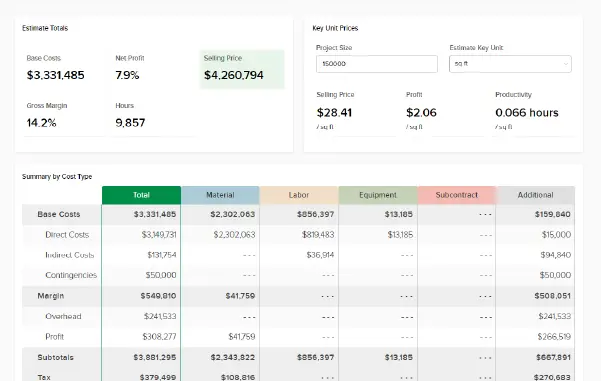
AI-Driven Insights & Dashboards

And so much more. To learn more about every feature we’ve got, check out our features page.

Switching to STACK is easy with 5 simple steps

Changing construction software doesn’t have to be a headache. Making the switch to STACK is an investment in the future efficiency and success of your business.

Read more →
BLOG_SwitchingtoSTACK_1200x800
Rated 5 out of 5

See what STACK customers are saying:

Frequently Asked Questions

Yes—STACK’s Excel Report Sync plug-in lets you update your actual workbook with STACK data at the click of a button. Plus, APIs can automate continuous syncing.


Absolutely. STACK uses standardized, tested formulas and cloud validation to prevent cell errors and calculation mistakes inherent in manual Excel use.

STACK is cloud-native: multi-user, permissioned access, version control, real-time edits and plan overlays avoid Excel’s version conflicts.

No need to choose—you can do takeoff in STACK, export via Excel plug-in or API, and continue estimating in your trusted worksheet. You gain efficiency without losing familiarity. But if you want to upgrade your estimating to STACK, you’ll boost your efficiency and accuracy.

STACK offers AI Assist for custom formulas, error-checking, takeoff guidance—and includes AI-powered reporting insights and analytics to help you optimize project bids.

Ready to switch to STACK?

Discover how we can save you time and help you win more profitable work!
Shopping Basket

Which solution are you looking for?

Takeoff & Estimate
Calculate everything you need anytime, anywhere.
Build & Operate
Seamlessly link your data from the office to the field.

Need a more custom solution?  Talk to us

STACK Training Videos

Select which training library you would like to access: