



|

Takeoff Right Panel

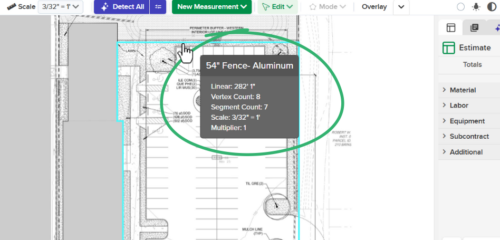
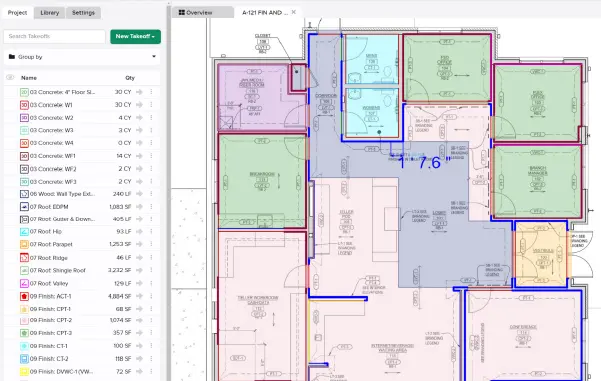
The new Takeoff Right Panel keeps your project’s Takeoff list visible at all times. No more burying it under settings, measurement inputs, or libraries, which all now live in a dedicated right-side panel — the modern “inspector” pattern you know from the best design tools.

For more information visit our Help Center

Stay up-to-date on all the latest STACK features!

Sign up for our Newsletter and get all the info right to your inbox.

Share

More Recent Updates

Typicals

Typicals

'Typicals' lets estimators define a reusable group of takeoffs and mark where it repeats – STACK multiplies the quantities automatically. Label occurrences to break those ...
Takeoff Items and Assemblies

Items and Assemblies in the Takeoff Tree

Adds a collapsible tree view to the takeoff list that shows every Item and Assembly attached to each takeoff — directly in the takeoff workspace. ...
Left Panel V2

Left Panel Organization

You can now manage tabs in the left panel, overflows are handled automatically and users can drag any tab to reorder it, or drag it ...
Shopping Basket

Which solution are you looking for?

Takeoff & Estimate
Calculate everything you need anytime, anywhere.
Build & Operate
Seamlessly link your data from the office to the field.

Need a more custom solution?  Talk to us

STACK Training Videos

Select which training library you would like to access: