



|

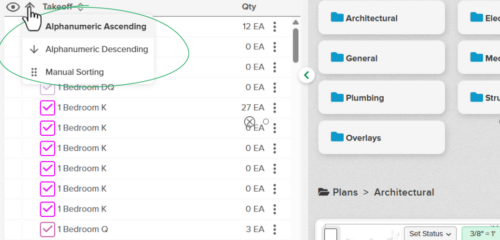
Control How Items Sort in Takeoffs and the Estimate

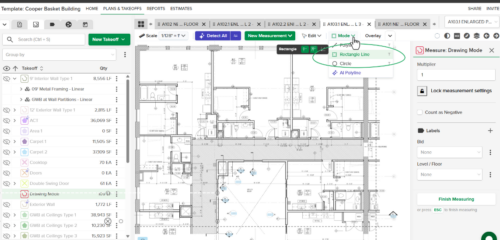
Your Items, your order. You can now sort Items from the column menu in both Takeoffs and the Estimate. Pick Alphanumeric Ascending or Descending for a quick A–Z or Z–A list, or choose Manual Sorting to keep the order you’ve already set up.

For more information visit our help center.
Stay up-to-date on all the latest STACK features!

Sign up for our Newsletter and get all the info right to your inbox.

Share

More Recent Updates

sorting items

Control How Items Sort in Takeoffs and the Estimate

Your Items, your order. You can now sort Items the same way in both Takeoffs and the Estimate, right from the column menu. Choose Alphanumeric ...
RememberLastDrawingMode

Persistent Drawing Mode

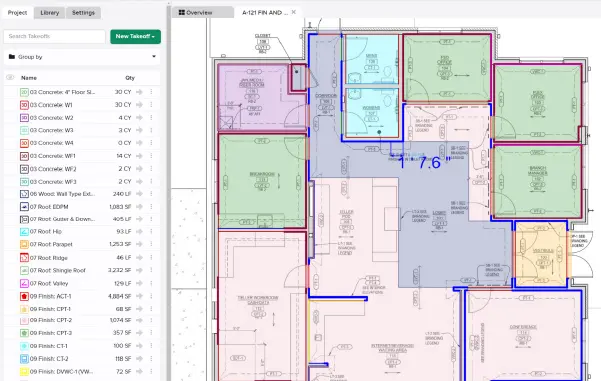
Persistent Drawing Mode keeps your workflow moving by automatically remembering the last drawing mode you used, so you can jump back into measuring without having ...
circle measuring

Circle Measuring Tool

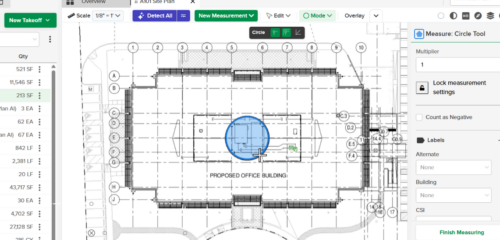
Circle Measuring and Cut Out Tools make it easy to measure circular areas directly on your plans. Draw, move, resize, copy, or enter an exact ...
Shopping Basket

Which solution are you looking for?

Takeoff & Estimate
Calculate everything you need anytime, anywhere.
Build & Operate
Seamlessly link your data from the office to the field.

Need a more custom solution?  Talk to us →

STACK Training Videos

Select which training library you would like to access: