




|

Easily delete plan pages you don’t need

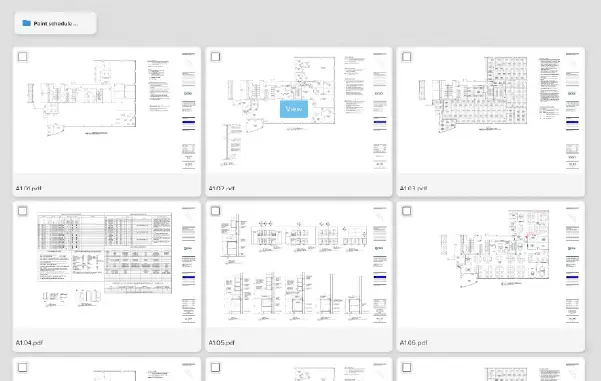
Ever wish you could focus on only the pages that YOU need to complete your takeoff and estimating work instead of sifting through the multitude of plan pages that were part of the complete set? Not to worry – eliminating unnecessary pages is quick and simple.

Check out this quick step-by-step guide to
see how easy it is!
Pro tip: Hold the shift key to multi-select!

Delete Multiple Plan Pages

Questions?
Email, call or chat with us in your STACK account anytime!

Share

Stay informed with the STACK Newsletter.

Learn tips & best practices to quickly grow your construction business.

Recent Post

STACK_Webinar_STACKIQ_Blog_Sm
Product Updates

STACK Live: STACK IQ: Your AI Partner on Every Project

Join us for a deep dive into STACK IQ, our latest release that lets you drive your STACK data through the AI assistant you already use – Claude, ChatGPT & others. Once you grant access, just ask it to set up a project, edit takeoffs, or check a bid for mistakes – all in plain language. You stay in control of exactly what it can see and do.


Every Day is Demo Day

The best way to see how STACK solutions can help your business is to see them in action.

Shopping Basket

Which solution are you looking for?

Takeoff & Estimate
Calculate everything you need anytime, anywhere.
Build & Operate
Seamlessly link your data from the office to the field.

Need a more custom solution?  Talk to us

STACK Training Videos

Select which training library you would like to access: