



|

Estimate Scope

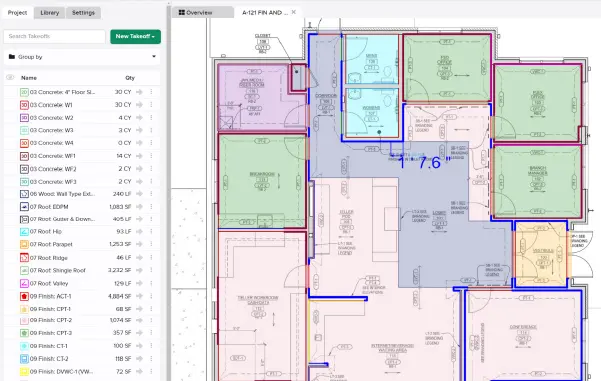
You can now choose which portions of your project are included in your estimate worksheet. You can include data based on takeoffs, takeoff tags, assemblies, plan sheets, and/or labels. You have the option to include all data from a category or select individual takeoffs (those with and without measurements), tags, assemblies, plan sheets (only those with takeoffs or measurements), or labels from the project. You can include as many categories or individual selections as you’d like.

This allows you to create a very customized estimate that focuses on specific areas of interest which can be useful for many things, like breaking out the costs for alternates or phases.
Stay up-to-date on all the latest STACK features!

Sign up for our Newsletter and get all the info right to your inbox.

Share

More Recent Updates

Screenshot 2025-12-22 at 12.13.02 PM

STACK Assist

Unlock the content of your documents with STACK Assist! Turn to STACK Assist when you need answers or clarity in relation to a project. With ...
Flexible Units

Flexible Units

Mix and match—measure in Metric while quantifying in Imperial (or vice versa).
Linked Unit Costs

Linked Unit Costs

Unit Costs are now linked together by Item. Once you set a cost, it applies across your estimate—no matter the Takeoff, Assembly, Label, or Sheet.
Shopping Basket

Which solution are you looking for?

Takeoff & Estimate
Calculate everything you need anytime, anywhere.
Build & Operate
Seamlessly link your data from the office to the field.

Need a more custom solution?  Talk to us →

STACK Training Videos

Select which training library you would like to access: