



|

PDF Report Header Adjustments for Workflows

/

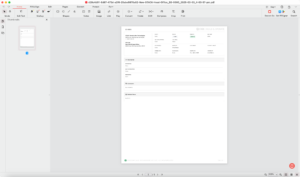
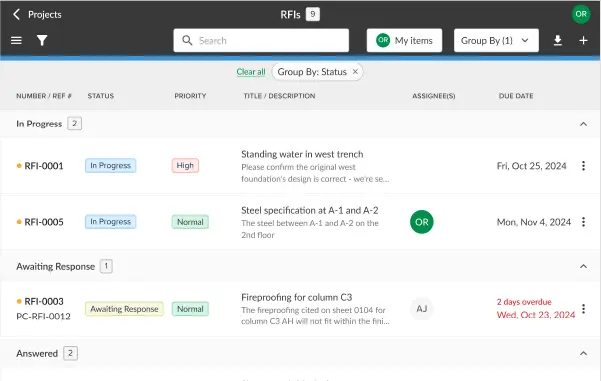
STACK | Build & Operate has updated the Workflows PDF Report Export for a cleaner, more professional look. The STACK logo is now positioned in the top right and bottom left corners. Additionally, we’ve introduced a new company and project section on the left, featuring the company name, address, phone number, project logo, and project address.

For more information visit our Help Center

Stay up-to-date on all the latest STACK features!

Sign up for our Newsletter and get all the info right to your inbox.

Share

More Recent Updates

Classify by Discipline

Classify by Discipline

AI Accelerated users can now classify their sheets by discipline (e.g., A, C, E, etc.) The classification happens within the folder where it's triggered.
Line Item Profit Markup

Line Item Profit Markup

In the estimate worksheet, you can now add a profit markup on a line-item basis, in addition to the cost modifier you’ve had already.
CompanyUsersEdit

View More Takeoff & Estimate Information

It's now faster and more seamless to upload information into Build & Operate, allowing the field team so easily access of all the work completed ...
Shopping Basket

Which solution are you looking for?

Takeoff & Estimate
Calculate everything you need anytime, anywhere.
Build & Operate
Seamlessly link your data from the office to the field.

Need a more custom solution?  Talk to us →