


|

Self Serve Item Import

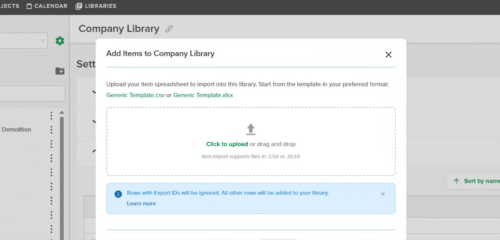
Users can now import your item library directly from Library settings. Upload a CSV or XLSX and get instant validation with clear error messaging so you can fix issues on the spot. No tickets required.

For more information visit our Help Center. 

Stay up-to-date on all the latest STACK features!

Sign up for our Newsletter and get all the info right to your inbox.

Share

More Recent Updates

self serve item import

Self Serve Item Import

Users can now import your item library directly from Library settings. Upload a CSV or XLSX and get instant validation with clear error messaging so ...
item takeoff quantity takeoff tree

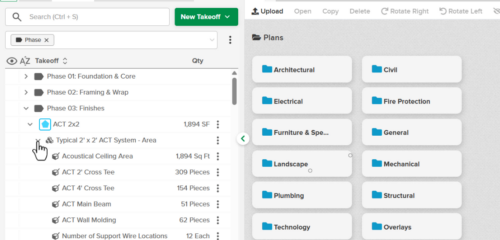
Item Quantities on the Takeoff Tree

Item purchase quantities from the Primary estimate are now displayed in the Takeoff tree - both for items directly attached to takeoffs and for items ...
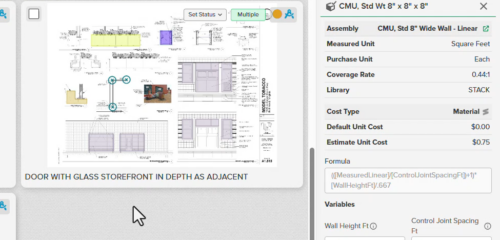
Item Information Panel

Item Information Panel

Brings full Item detail — description, formula, cost, and more — into the right panel, right where you're already working in the Takeoff Tree.
Shopping Basket

Which solution are you looking for?

Takeoff & Estimate
Calculate everything you need anytime, anywhere.
Build & Operate
Seamlessly link your data from the office to the field.

Need a more custom solution?  Talk to us →

STACK Training Videos

Select which training library you would like to access: