




|

STACK for Excel

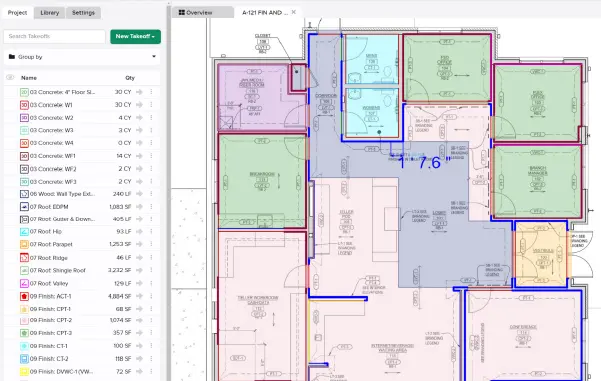
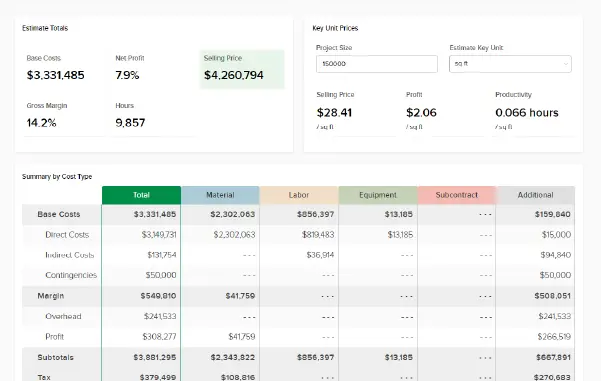
STACK for Excel allows you to seamlessly bring live STACK project data, such as takeoff measurements and item quantities, directly into Microsoft Excel worksheets.

With STACK for Excel, you can automate report generation, unify estimating data with ERP/financial workflows, and eliminate manual exports, thereby streamlining proposal preparation and analysis without disrupting established Excel-based processes.

For more information visit our Help Center

Stay up-to-date on all the latest STACK features!

Sign up for our Newsletter and get all the info right to your inbox.

Share

More Recent Updates

Screenshot

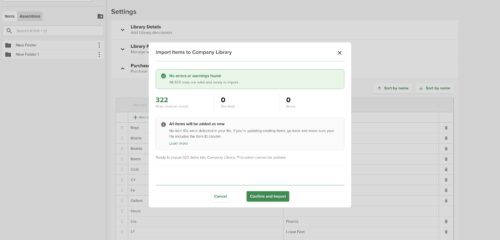
Self Serve Item Import

You can now manage tabs in the left panel, overflows are handled automatically and users can drag any tab to reorder it, or drag it ...
Left Panel V2

Left Panel Organization

You can now manage tabs in the left panel, overflows are handled automatically and users can drag any tab to reorder it, or drag it ...
Screenshot

Auto-Apply Label Values When Grouped by Label

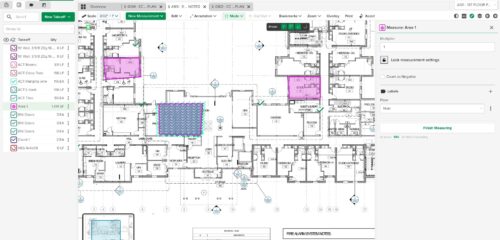
When the takeoff list is grouped by a Label Group, starting a measurement from within a label value folder automatically applies that folder's label value ...
Shopping Basket

Which solution are you looking for?

Takeoff & Estimate
Calculate everything you need anytime, anywhere.
Build & Operate
Seamlessly link your data from the office to the field.

Need a more custom solution?  Talk to us

STACK Training Videos

Select which training library you would like to access: