



|

Streamline Project Handoffs to Your Field Team

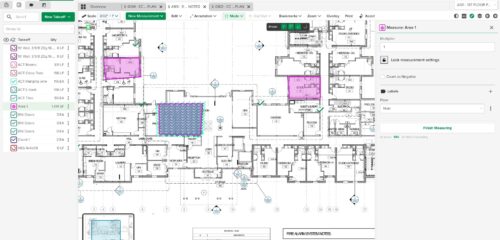
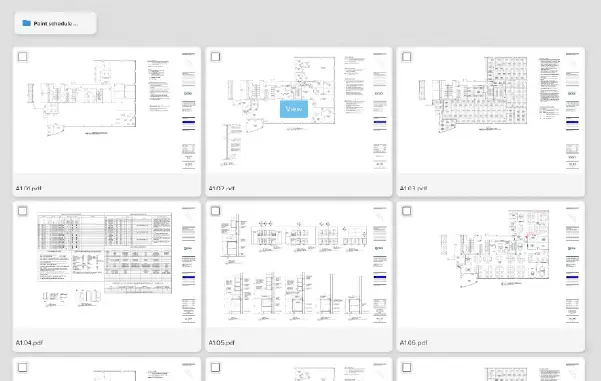
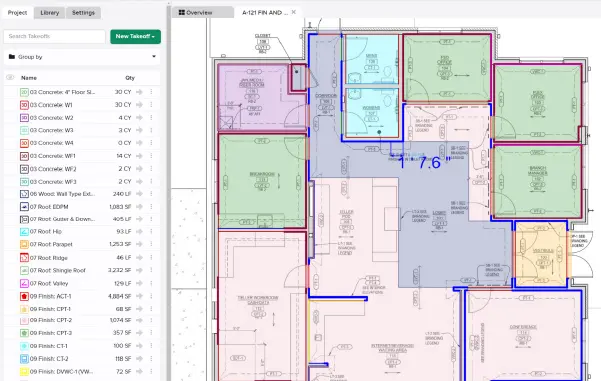
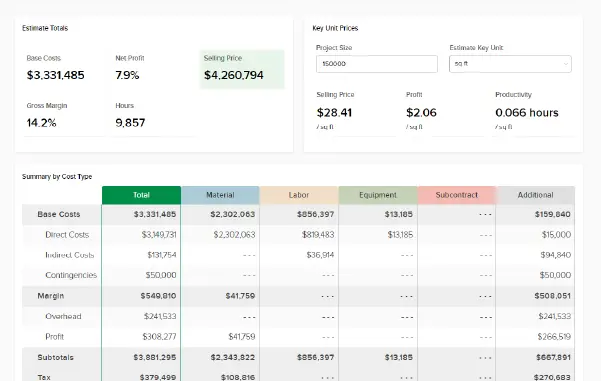
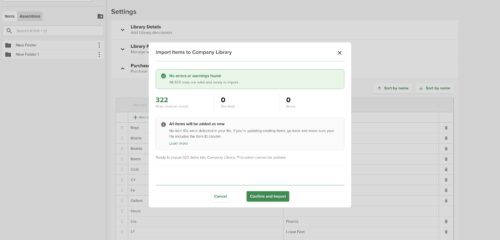
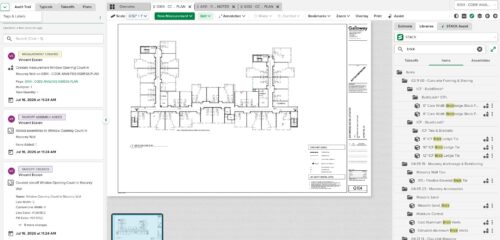
A new permission in STACK | Takeoff & Estimate now allows users to seamlessly transfer project data into STACK | Build & Operate, making it easier than ever to bridge the gap between estimating and construction management. With this update, users can securely move plans, documents, takeoffs, and related information directly into their Build & Operate projects.

This capability extends access beyond core estimating roles so that more team members can contribute to a connected workflow. Shared projects remain view-only, but invited users with the proper permissions can transfer their own project data.

Start using this new integration today to streamline your project handoffs and keep field and office teams aligned. For more information visit our Help Center

Not yet a Build & Operate customer?

Start your free trial and experience how STACK’s connected platform helps you manage every phase of construction in one place.
Stay up-to-date on all the latest STACK features!

Sign up for our Newsletter and get all the info right to your inbox.

Share

More Recent Updates

STACK_Release_TmbN_ProjectFields

Custom Project Metadata

Custom Project Metadata lets you define up to 10 company-specific fields — dropdowns and dates — that appear on every project. Fields are visible and ...
STACK_Release_TmbN_DisplayNegative

Visual Display of Negative Measurements

Measurements marked as "Count as Negative" now display a red circle with a minus (−) symbol on the plan canvas. The indicator appears for Area, ...
STACK_Release_TmbN_Hi-ResRender

Hi-Res Plan Rendering

A per-sheet Hi-Res Plan Rendering toggle that lets users render any plan sheet at higher resolution for crisper, more legible drawings when zoomed in. Turn ...
Shopping Basket

Which solution are you looking for?

Takeoff & Estimate
Calculate everything you need anytime, anywhere.
Build & Operate
Seamlessly link your data from the office to the field.

Need a more custom solution?  Talk to us

STACK Training Videos

Select which training library you would like to access: