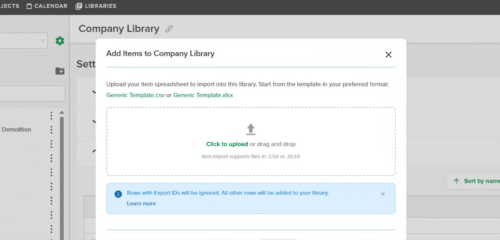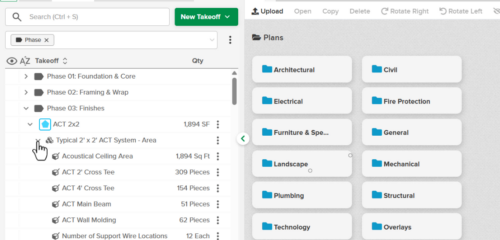
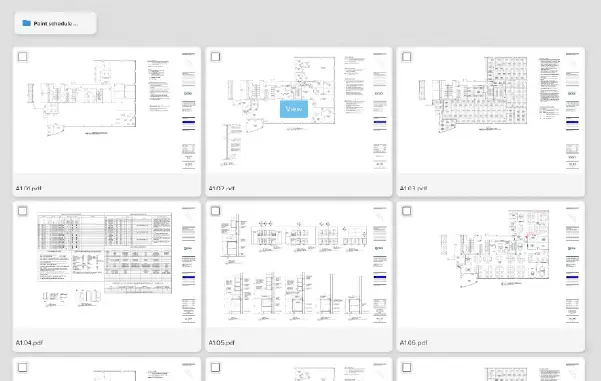
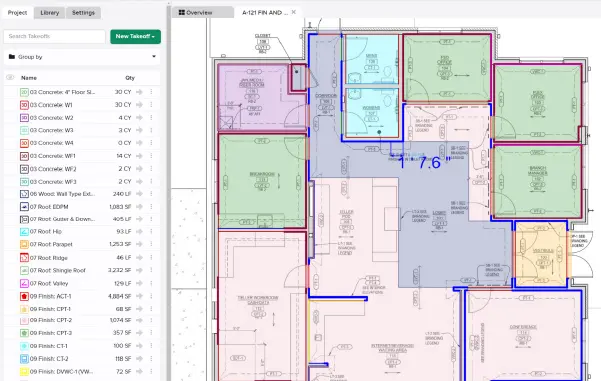
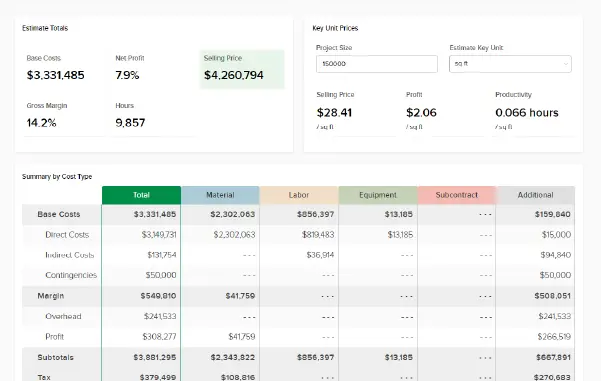
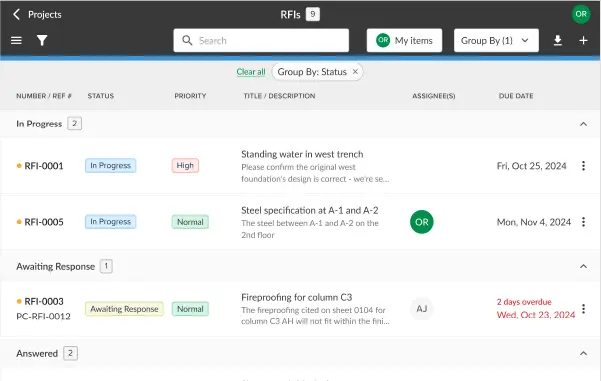







Uploading information into STACK | Build & Operate is now faster and more seamless with the new upload flow, allowing the field team to easily take advantage of all the work completed by the estimating team during preconstruction. It’s simple to hide markups to view clean bid drawings, locate measured materials, understand phasing, or quickly reference takeoff totals, giving teams more context and clarity on every project.
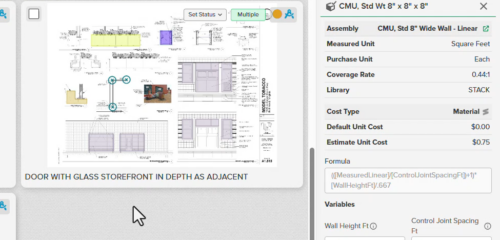
Takeoffs and Annotations from STACK | Takeoff & Estimate can now be viewed seamlessly in STACK | Build & Operate, creating a stronger connection between estimating and construction workflows. The markups appear on dedicated, read-only layers that preserve the original STACK | Takeoff & Estimate styling — including colors, hatches, symbols, and line thickness — so teams can view accurate, visually consistent project information.
Users can easily filter what they see and tap any markup to view its associated layer or takeoff type. Supported items include common takeoff types such as Area, Linear, Surface, and Volume, along with annotations like Highlight, Cloud, Dimension Line, Callout, Text Box, and Legend.
These layers serve as fixed, shareable snapshots of the original estimate, while teams can still create their own editable layers to capture updates or field notes as the project progresses.
For more information visit our Help Center.
Not yet a Takeoff & Estimate customer?
Create your FREE account and experience how STACK’s connected platform helps you manage every phase of construction in one place.