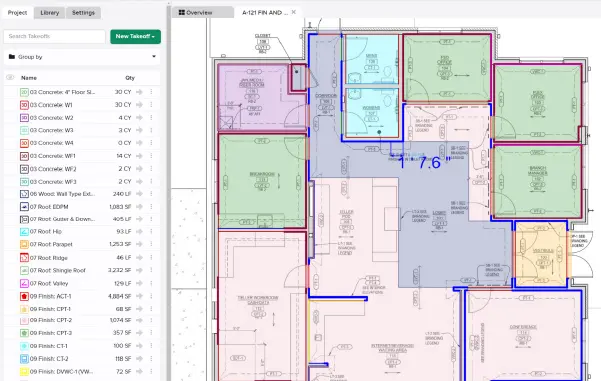
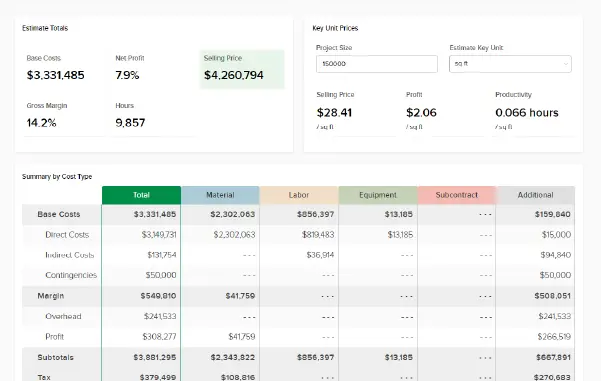




Vous pouvez maintenant choisir quelles parties de votre projet sont incluses dans votre feuille de estimation . Vous pouvez inclure des données basées sur des mesures, des étiquettes de mesure , des assemblages, des feuilles de plan et/ou des étiquettes. Vous avez la possibilité d'inclure toutes les données d'une catégorie ou de sélectionner des mesures individuelles (avec ou sans mesures), des étiquettes, des assemblages, des feuilles de plan (uniquement celles avec des mesures ) ou des étiquettes du projet. Vous pouvez inclure autant de catégories ou de sélections individuelles que vous le souhaitez.
Cela vous permet de créer une estimation très personnalisée qui se concentre sur des domaines d'intérêt spécifiques, ce qui peut être utile pour de nombreuses choses, comme la ventilation des coûts pour les alternatives ou les phases.