









I was working with a customer at Winwater, a billion-dollar supply company. They provide materials to a lot of different contractors, and each contractor has their own specific requirements for how they want order forms formatted. This user was having trouble organizing things exactly the way their clients wanted.
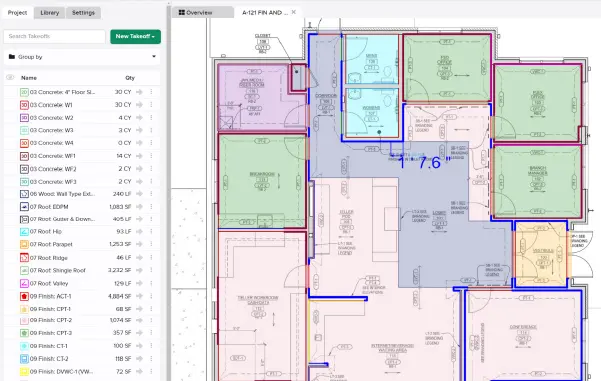
The main challenge was with takeoffs. He wanted to color-code them by category and have those same color groups export together in reports. Traditionally, STACK’s reporting system sorts items alphanumerically, not by color.
When we got on the phone, I first suggested he could use letters in front of his takeoff names — something like “A - Sewer” or “B - Sanitation” — to help control the order. But I wanted to share there was a better way. I showed him how to use Label Groups to organize everything by division. That way, he could label each takeoff under categories like Sewer, Water, or Sanitation and have everything export cleanly and consistently.
He loved it. The solution was simple but made a huge difference. It saved him a ton of time, helped his reports line up perfectly, and even made their integration with their custom-built ERP system smoother (something our competitors don’t support!).

Tyler Stallings
STACK Senior Account Manager
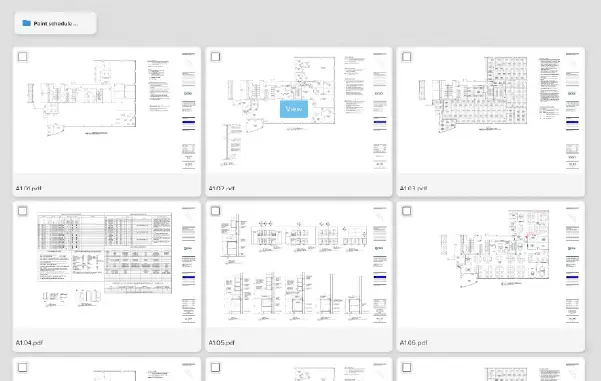
I recently had an HVAC contractor who couldn’t find a plan sheet where he had performed takeoff measurements. He was worried that the measurements were lost and thought he’d have to redraw them because the plan sheet had been deleted. I recommended that he group the Takeoff List by Plan Name. As soon as he did, he saw that his takeoffs were still there listed under the plan name he’d been looking for!
I recommended that he hover to the right of the Plan Name and there is an option to open the Plan Sheet to review the measurements. This workflow reassured the customer that his measurements were safe, and he will apply this workflow in the future to give him a faster way to open and review previously measured plan sheets.

Tim MacDowall
STACK Customer Support Specialist
I recently worked with a commercial windows and doors contractor who came to one of my training sessions. He was looking for a solution to save time on counting doors and windows on each plan. His workflow relied on STACK’s manual Count tool, which meant clicking on every opening, sometimes across multiple plan pages.
That’s when I shared my screen and introduced him to STACK’s Floor Plan AI, our powerful AI tool designed to automate those repetitive tasks. Instead of manually placing each count, I showed him how STACK’s AI scans the plan, detects, and identifies doors and windows within seconds.
Once he saw how quickly the AI could identify every door and window, his reaction said it all. He purchased the upgrade after our training session. When we met again for his follow-up training, he told me STACK’s AI made his life 10x easier and workflow 1000x faster.
Now, what used to take him hours takes minutes. He’s not just saving time, he’s gaining confidence that his takeoffs are accurate, consistent, and complete.

Kate Dupuy
STACK Learning Content Specialist
STACK has so many powerful features that even our most experienced users sometimes overlook a few.
I was recently speaking with an estimator at a multi-million-dollar steel framing company. He’s used STACK all day, every day, for years. During our conversation, he mentioned that one of his biggest frustrations was how long it takes to locate specific symbols on plans. He even asked if we would consider developing a new tool to solve the issue.
He was elated when I told him that it already exists! I was able to show him how to use our Autocount feature to automatically apply count measurements to any given feature on a plan page.
If anyone's looking to improve a part of their workflow, I encourage you to reach out to our support team through the in-app chat. We may have a solution they haven’t come across!

Devon Streckfuss
STACK Customer Support Specialist
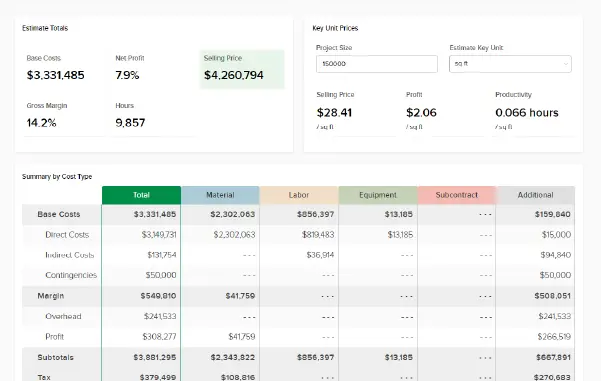
I was working with a storage solution and metal framing contractor who asked about productivity rates for labor and material. I showed them how to attach items and assemblies to a Takeoff, then save it to their Takeoff Library. This is the key to STACK estimating — once set up, all they need to do is focus on measuring while the labor, material, and pricing calculations happen automatically in the background.
This not only saves time but also creates consistency in the estimating process. Using the same takeoff names and colors reduces errors and builds trust in the data. Consistency is key.

Cristal Elias
STACK Senior Trainer, Bilingual